The situation
The product works but users get lost. Your team answers the same questions over and over, new users need training, and some features go unused. The problem usually isn't a missing feature — it's a layout nobody can read.
→Our approach
We watch what users are actually trying to do and rebuild the interface around that. Every screen gets one primary action and everything else steps back. We deliver design as a reusable system rather than a stack of screens, so what gets built next stays consistent.
Who it's for
- Companies whose product needs to be taught before it can be used
- Teams where most support tickets are 'how do I'
- Applications that have grown inconsistent over time
- Founders who want to see the right structure before development starts
What's included
- User flows and a screen map
- A clickable prototype you can try before code is written
- A design system: colour, type, spacing and components
- Accessibility: contrast, keyboard use, screen reader support
- Specs and behaviour notes for handover to developers
Process
Review
We work through the current product as a real user would and record where people stall.
Flow
Sequence before aesthetics: what the user sees at each step.
Prototype
You try a clickable version. Wrong decisions get caught before they reach code.
Design system
Components and rules defined, so the design is a system to build on rather than a one-off file.
Our work in this area
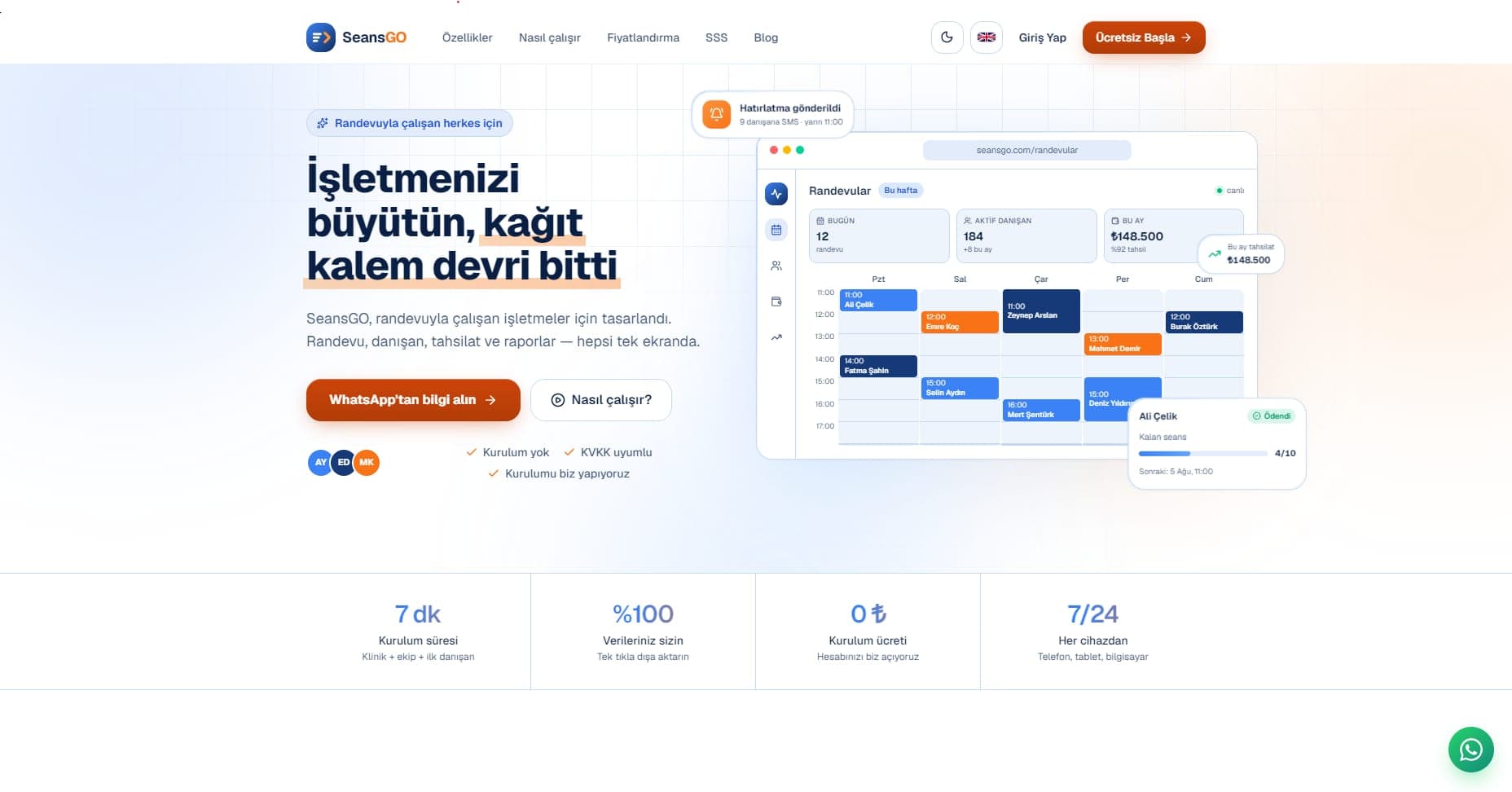 SeansGO
One screen for clinics that run on appointments
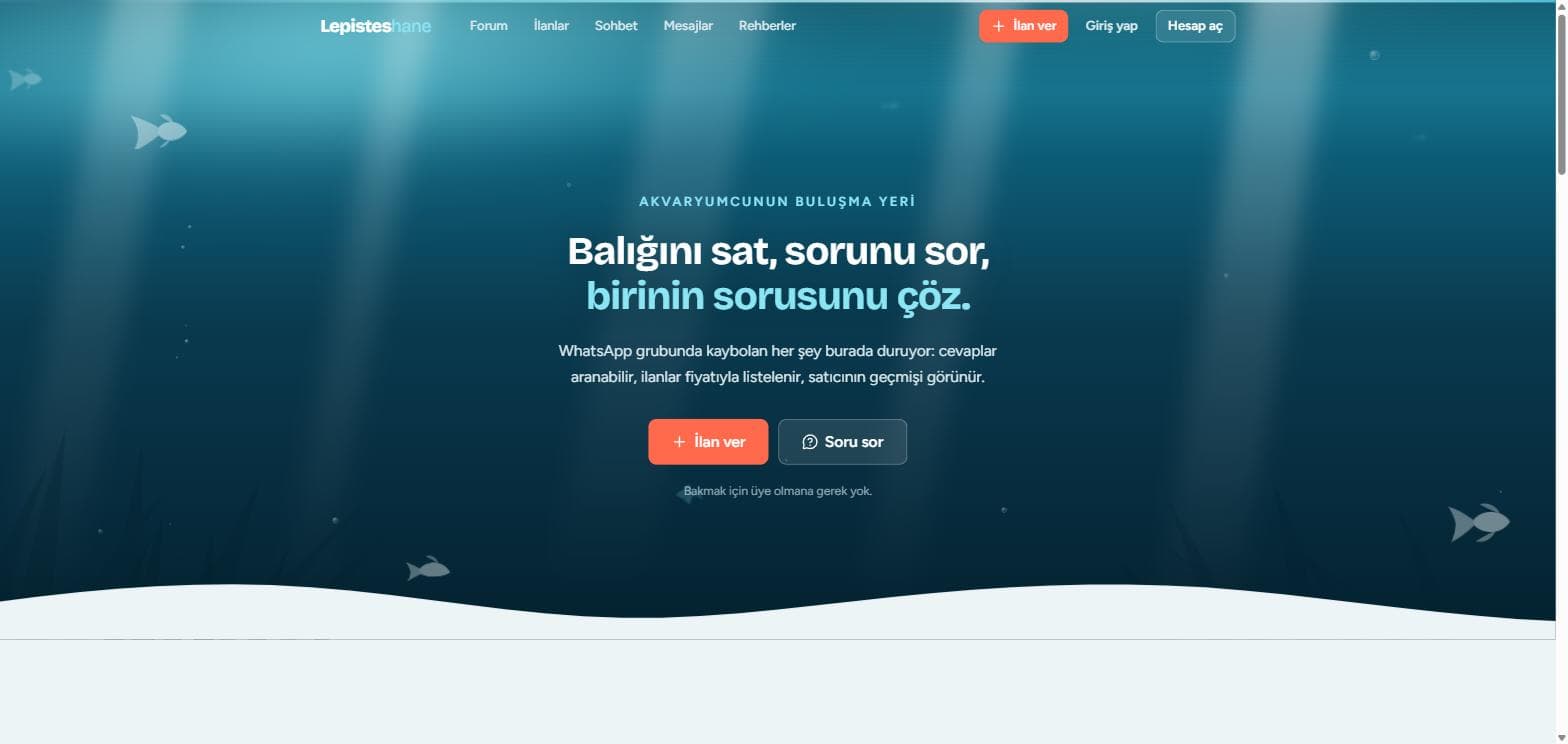 Lepisteshane
A marketplace that puts aquarium buyers and sellers in touch
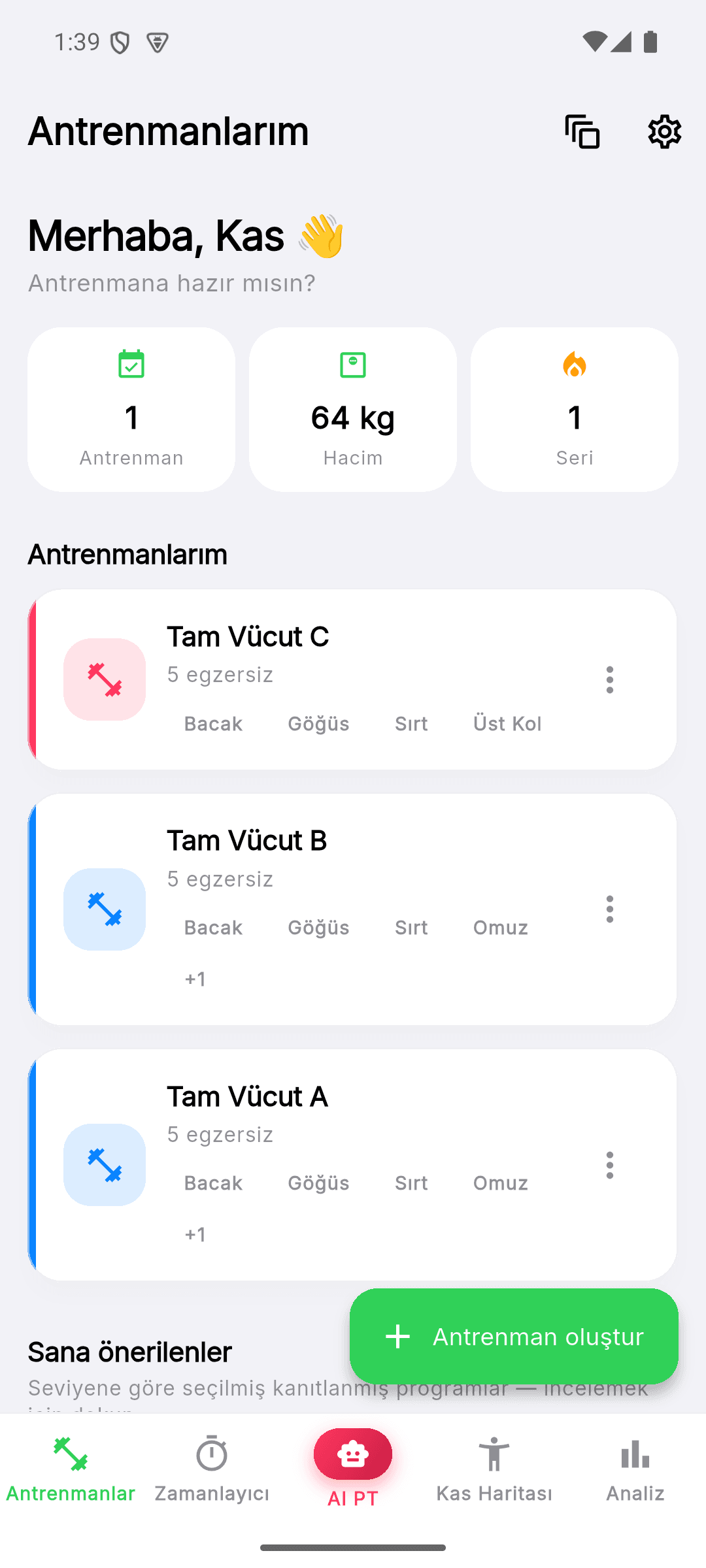 Kas Hafızam
Progress tracking with an AI coach
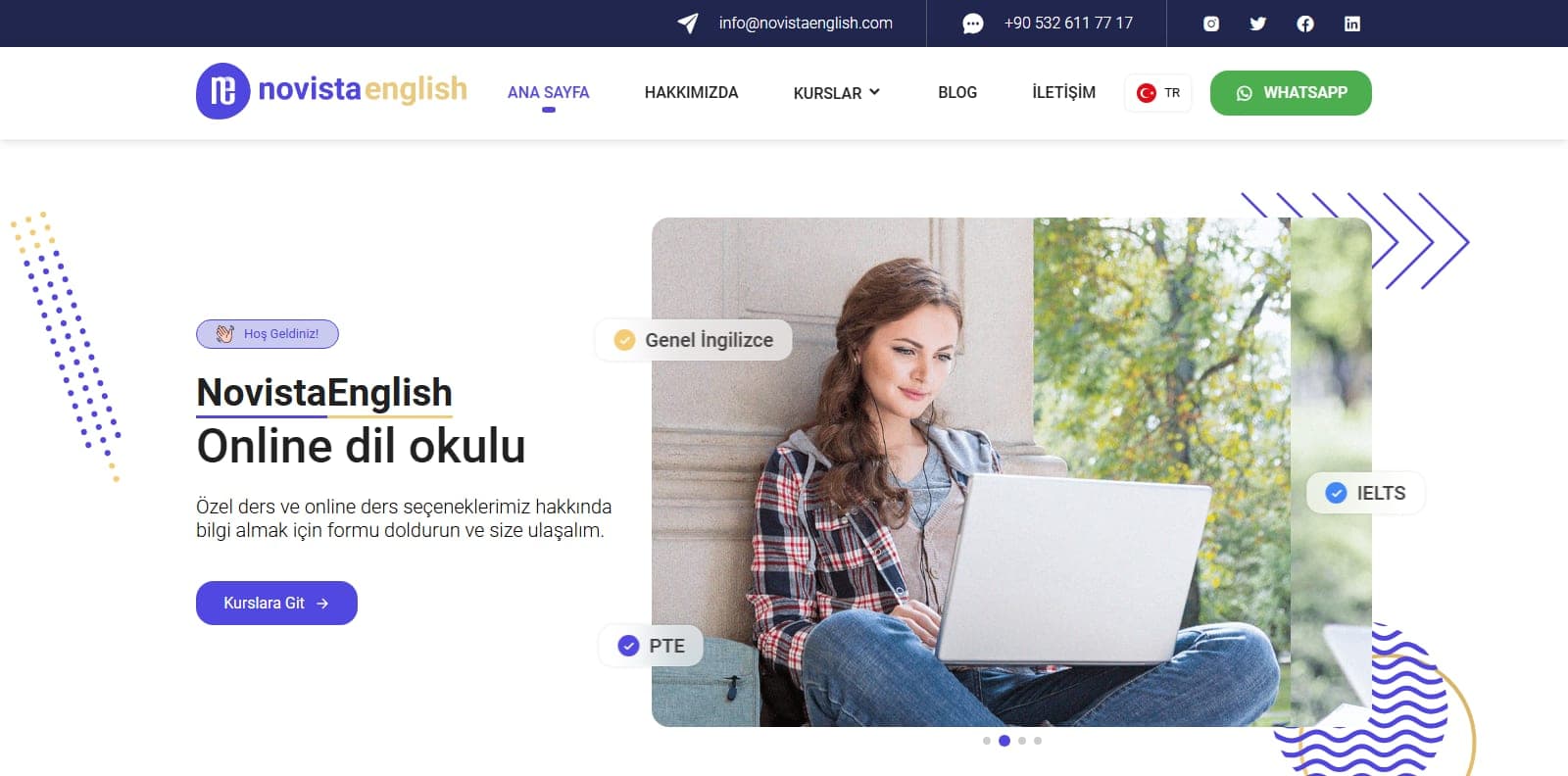 Novista English
A conversion-focused site for an online language school
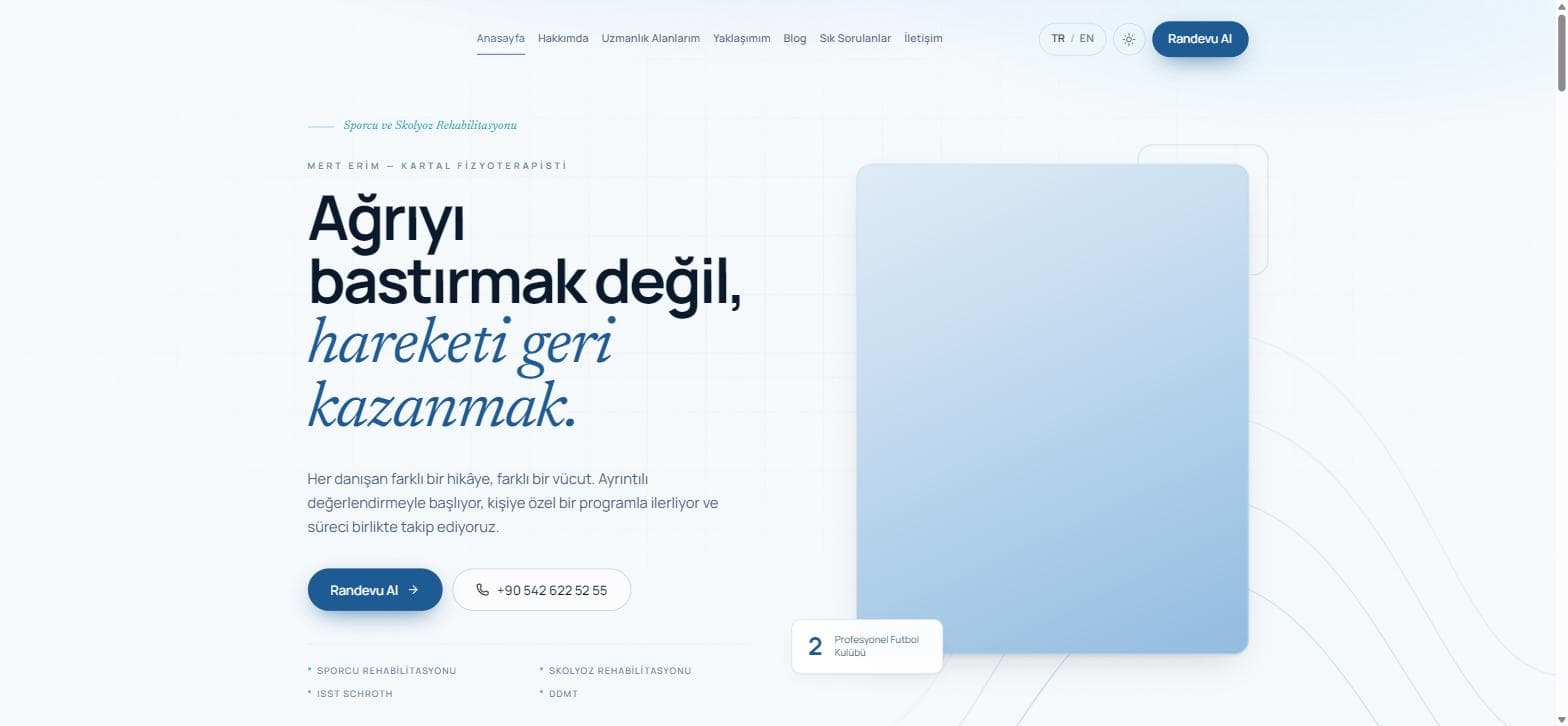 Mert Erim — Physiotherapist
A personal brand site that stays inside health advertising rules
Common questions
Can we take just the design and build it ourselves?
Yes. We hand over the design system, the prototype and developer notes, and your team builds from there. We stay reachable for questions that come up during the build.
Can you improve our product without rewriting it?
Usually yes. Most experience problems come down to layout, sequence and wording, none of which require touching the architecture. If a rewrite genuinely is needed, we'll say so and explain why.
Does accessibility really matter for us?
Some of your users are already working with a keyboard, a screen reader or low vision. Beyond that, accessible interfaces tend to be clearer for everyone — contrast, visible focus and plain labels help every user.
Related services
- 02Web Design & DevelopmentWebsites that do a job, not just look the part. Speed and conversion are design constraints from day one.
- 03Mobile App DevelopmentOne codebase, both platforms — without two teams and two budgets.
- 01Custom Software DevelopmentInstead of bending your business to fit a product, we build the software around how you already work.
If you have a question, let us start there.
Tell us what you are trying to do. On the first call we will tell you whether we are the right fit, roughly how long it takes and how we would approach it. No sales pitch.
orsenyazilim@gmail.com